Admin & Operations Platform
Audience: prospects, leadership, operations teams evaluating the back-office. What this is: a guided tour of the operator console that ships with the platform — what each area does and what your team can run day to day. Every screen shown here was captured live from the running product. Companion: the exhaustive, engineering-grade list of every screen and the data it loads lives in
../admin/view-catalog.md(57 views, 100% captured). This page is the business-level overview of the same console.
The admin console is a single web application your team logs into with an email, password, and a 2FA code. Access is permission-gated — every role only sees and touches what it's allowed to. Out of the box it covers the full lifecycle of running an online casino: watching the numbers, managing players and money, curating the game catalogue, running promotions, and staying compliant.
1. Real-time business analytics
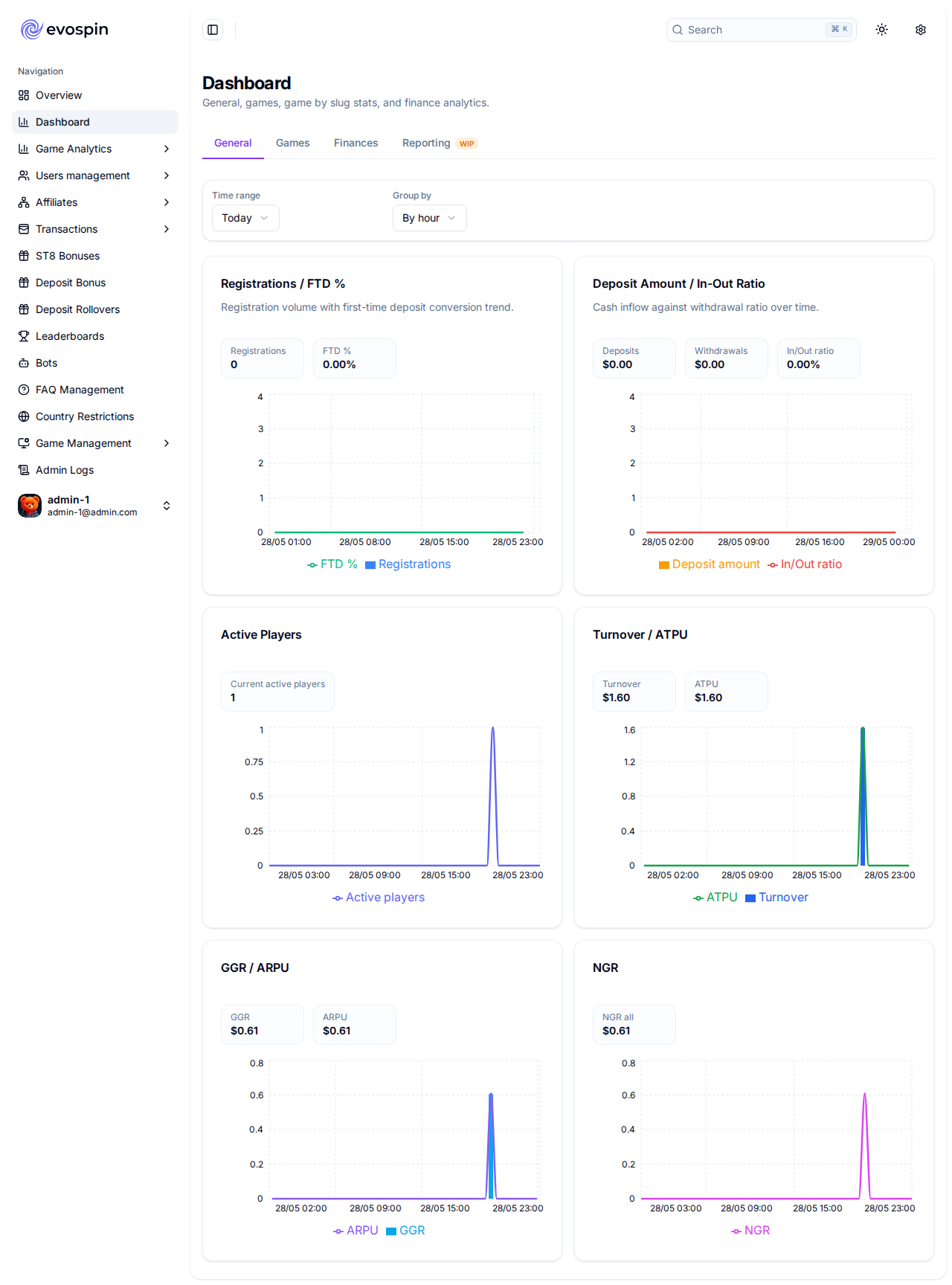
The first thing an operator sees is the money. Every figure is computed server-side from the live bet and payment ledgers — no estimates, no spreadsheets — and is filterable by time period.
What you get out of the box: - Revenue — turnover (total wagered), GGR (gross gaming revenue), NGR (net of bonuses), and house margin %. - Player economics — active players, average revenue per user (ARPU), average bet, and bet frequency. - Breakdowns — revenue and turnover sliced by game, by game type, and by provider, with comparative share charts. - Money flows — deposits, withdrawals, tips, and new-registration trends over time.
A full metric-by-metric explanation (including the exact definition behind every KPI) is in the analytics deep-dive: ../admin/analytics.md.
2. Player management
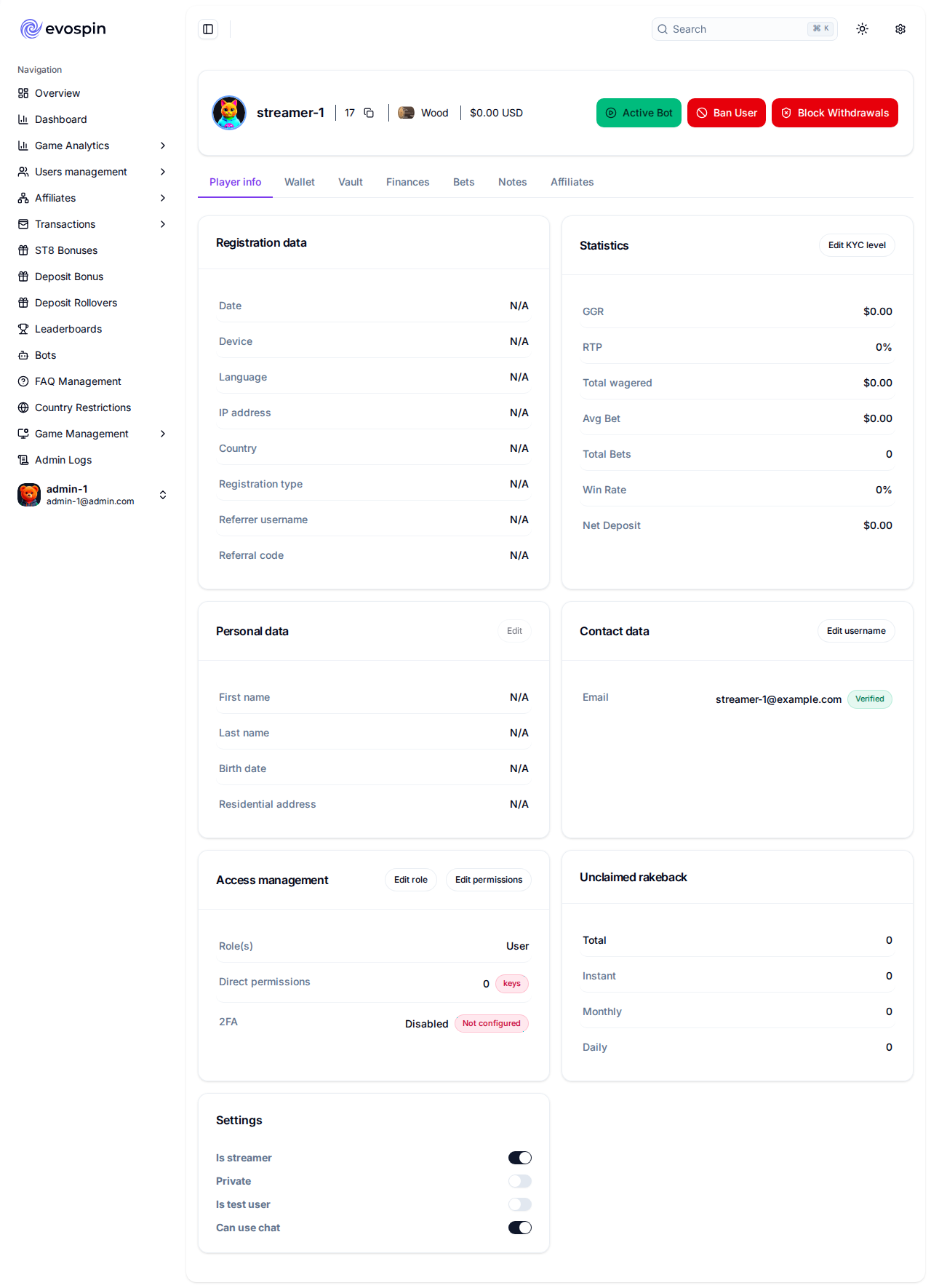
A searchable directory of every player, and a 360° profile for each one. Opening a single player pulls together their balances, transaction history, bonuses, notes, and risk signals in one place — the profile alone draws on 18 data sources so support and fraud teams never have to switch tools.
What your team can do: - Search, filter, and inspect any player account. - See live balances (cash + vault) and full deposit / withdrawal / tip / bet history. - Adjust balances, apply blocks, and leave internal notes (every action is audit-logged). - Review KYC status and applied limits per player.
3. Transactions & finance
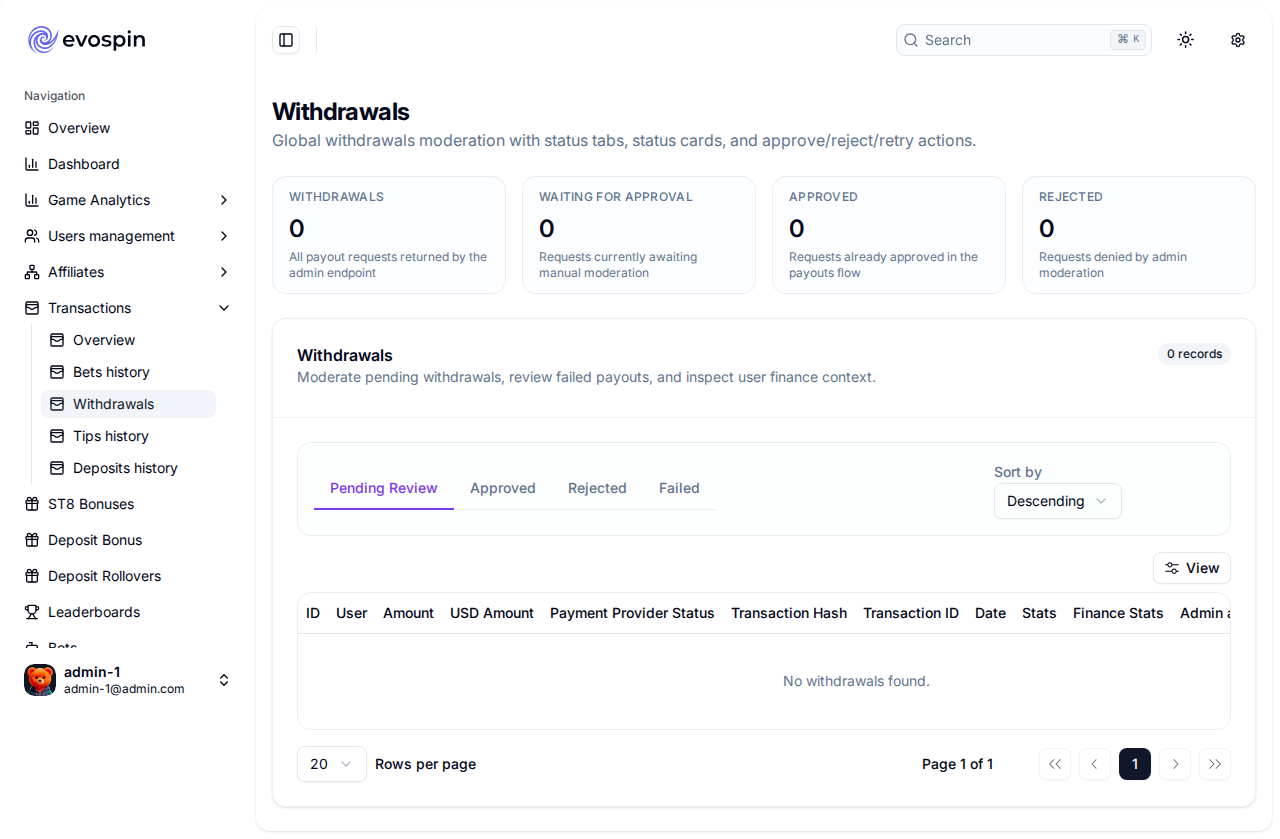
Dedicated work-queues for every money movement, so finance and compliance staff have a clear daily workflow.
Screens: bets history, deposits, withdrawals, tips, and rollover tracking.
What your team can do: - Approve, reject, or retry withdrawals — with a 2FA confirmation gate on the payout action itself. - Trace every deposit and bet back to the player and the originating event. - Monitor peer-to-peer tips and reverse them where needed.
4. Game & provider catalogue
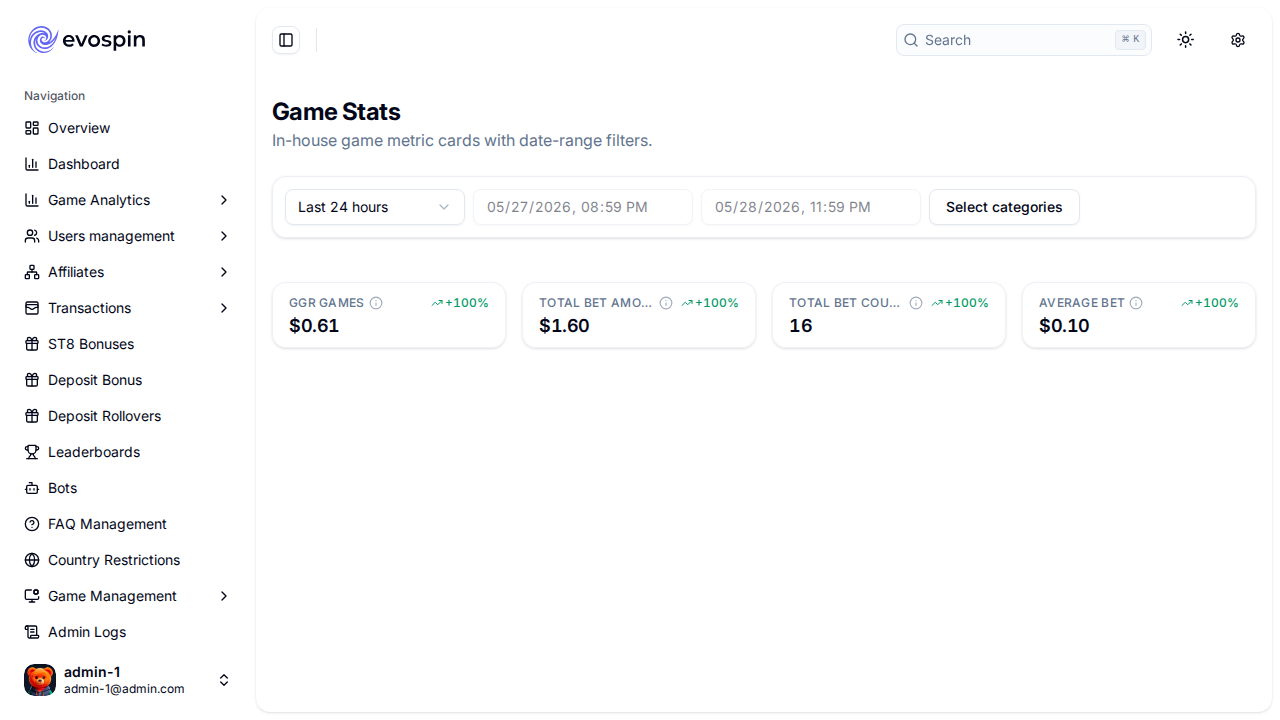
Curate exactly what players see and play.
What your team can do: - Enable, disable, and feature individual games and whole providers. - Arrange the home-page grid and promoted-games rails. - Track per-game and per-provider performance (turnover, GGR, bet counts) right alongside the catalogue. - Manage in-house games (Dice, Limbo, Mines, Plinko), live game servers, and third-party slot/table providers from one place.
5. Promotions, bonuses & loyalty
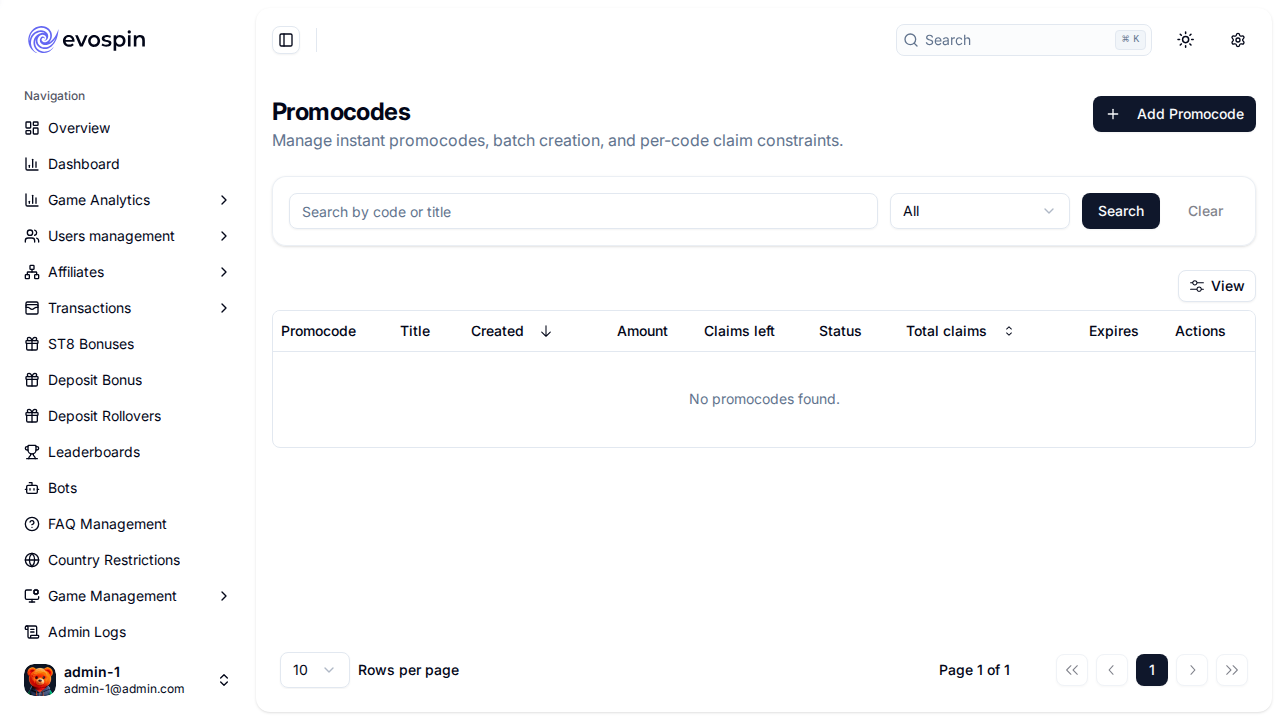
The growth toolkit — everything needed to acquire, reward, and retain players.
Screens: promo codes, deposit bonuses, VIP program, challenges, leaderboards.
What your team can do: - Create and manage promo codes and deposit-bonus campaigns. - Configure VIP tiers and progression. - Run wager/win challenges and periodic leaderboard tournaments with prize pools.
6. Affiliates & streamers
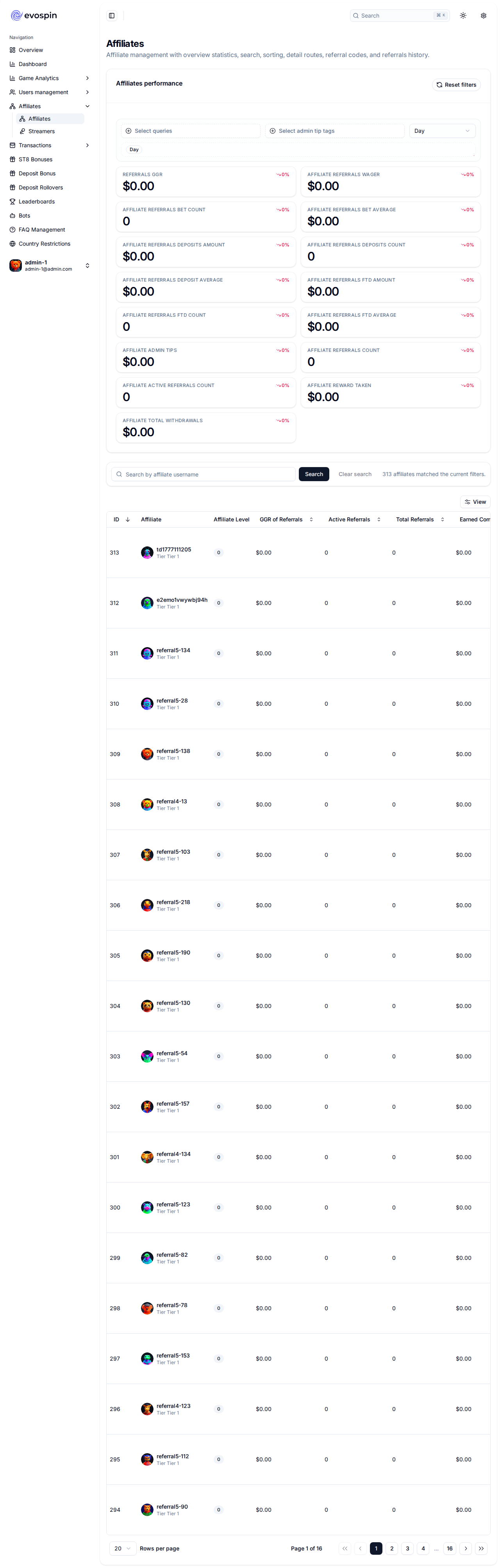
Manage your acquisition partners and their performance.
What your team can do: - Onboard affiliates and streamers, issue tracking codes, and review per-partner performance and commissions. - Drill into an individual partner for their referred players and earnings.
7. Compliance & geo control
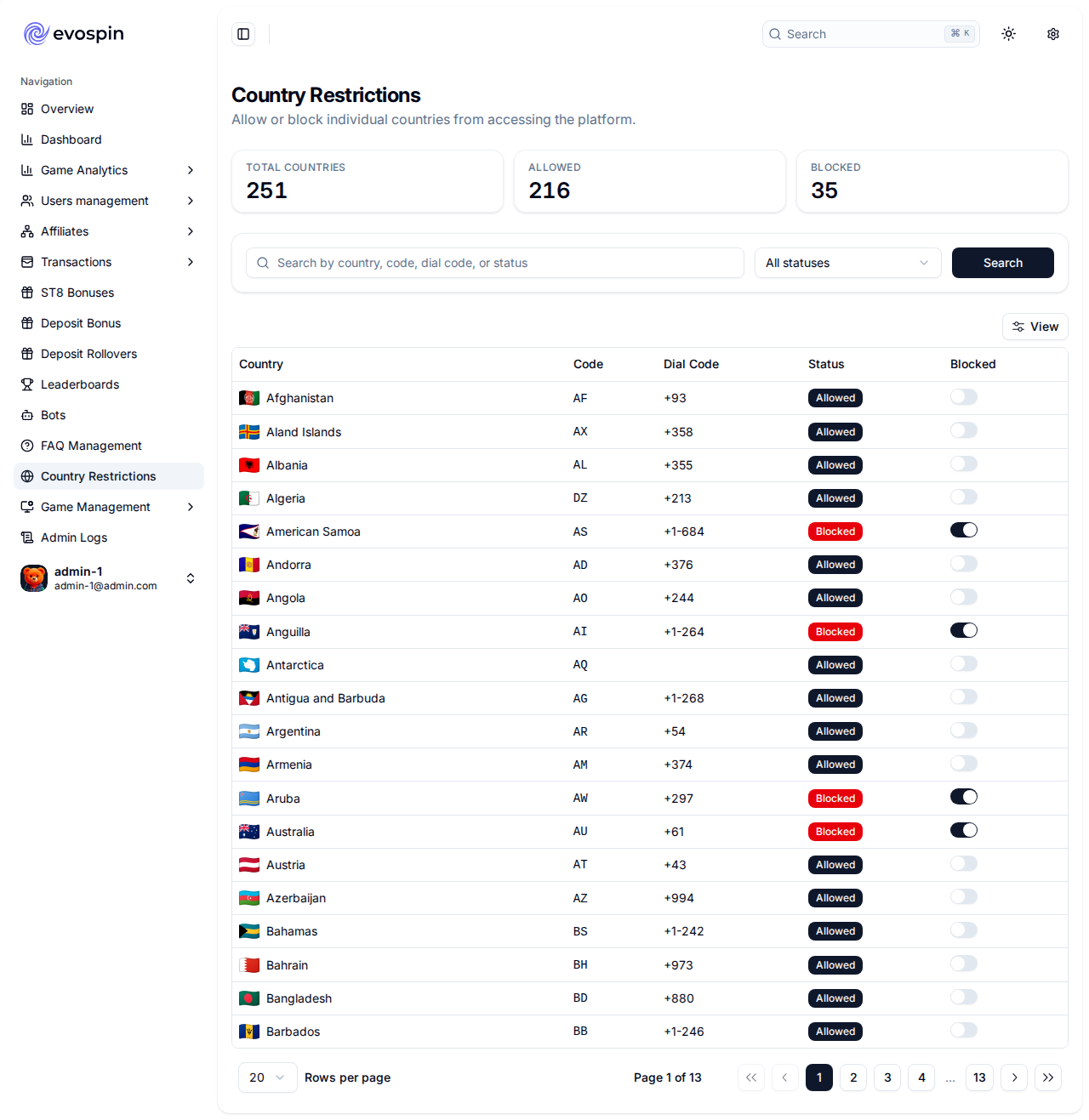
The guardrails that keep the operation licensable.
What your team can do: - Set and review KYC limits and verification requirements. - Allow or block play by country, with a clear allowed/blocked split across all jurisdictions. - Apply per-player limits (deposit, loss, self-exclusion).
8. Support, content & engagement
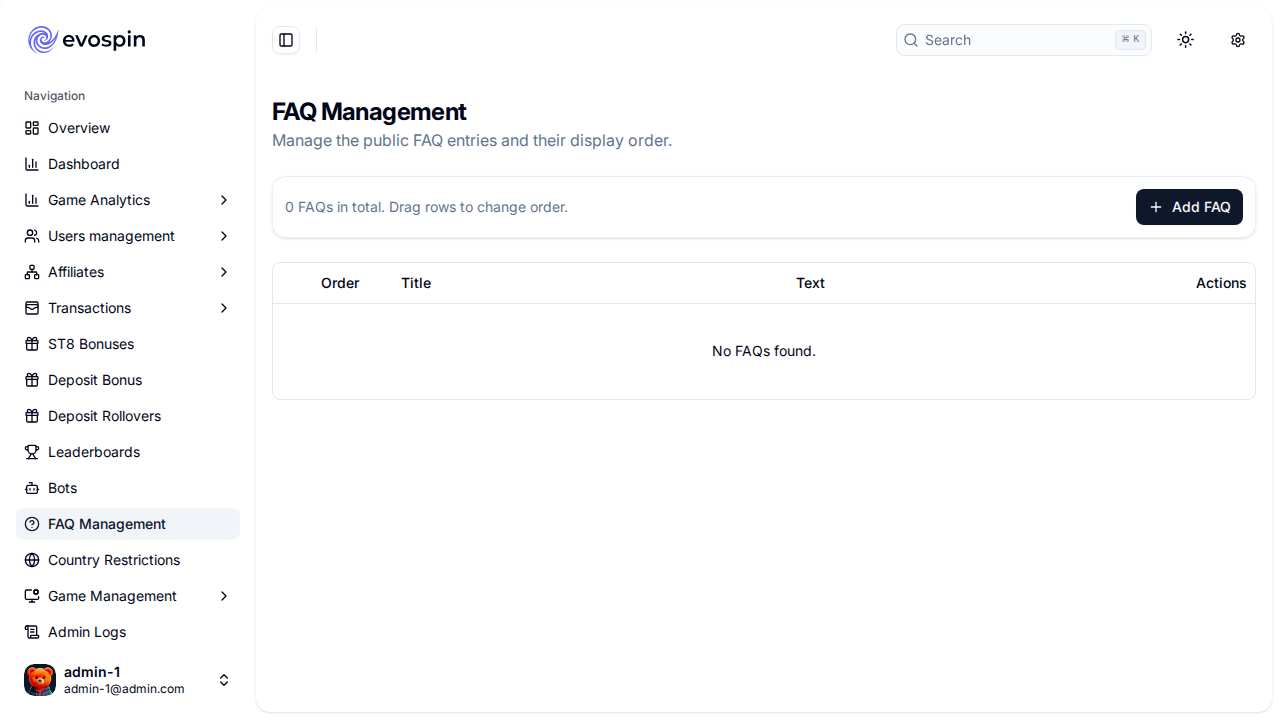
What your team can do: - Manage the FAQ / help-centre content players see. - Moderate in-game chat. - Operate the activity-bot fleet that keeps tables and feeds lively.
9. Access control & audit
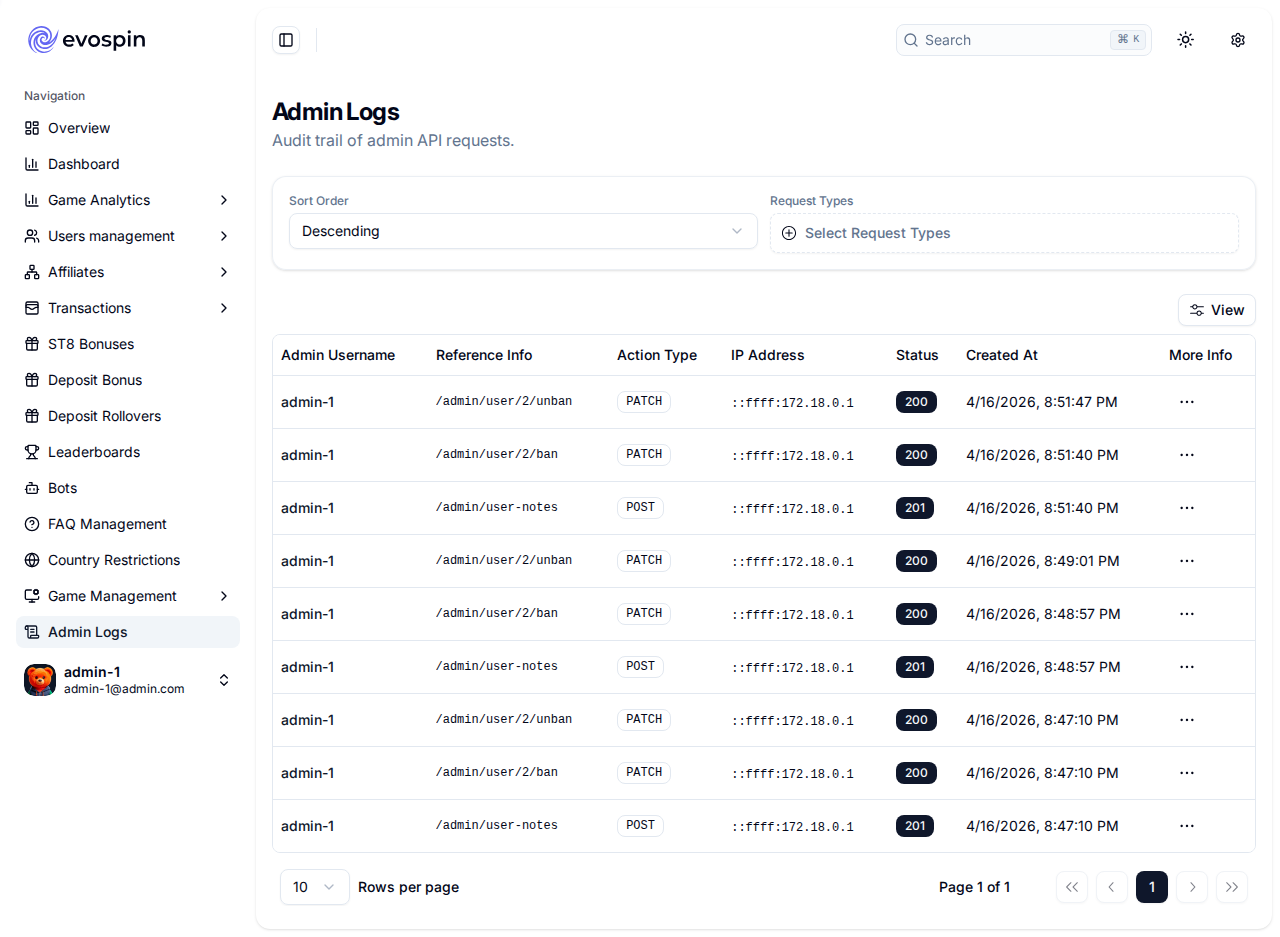
Built for teams, not a single super-user.
What your team can do: - Create admin accounts and assign roles from a catalogue of 60+ fine-grained permissions. - Define custom roles scoped to exactly what each job needs. - Review a full audit log of every administrative action — who did what, and when.
Sensitive actions (balance edits, withdrawal approvals, minting new admins) require an additional one-time-code confirmation on top of the login session.
Coverage & confidence
Every screen on this page — and every other screen in the console — has been captured running against the live product. The complete inventory is 57 views, all verified loading their real data, documented endpoint-by-endpoint in ../admin/view-catalog.md.
Cross-links
../admin/view-catalog.md— every view + the live data each one loads (engineering-grade).../admin/analytics.md— the analytics suite explained metric by metric.key-features.md— full platform capability matrix (player + admin + infrastructure).value-proposition.md— why these capabilities matter.